Needs you
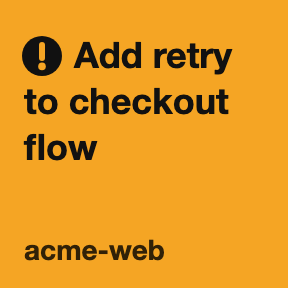
Amber, blinking, with a !. The agent (or one of its subagents) is waiting on you: an approval, a question, a secret or a link.
Deck for T3 Code puts every T3 Code thread on your Stream Deck. See who's working, who needs you, who's done. Glance. Tap. Move on.
Needs T3 Code installed on the same Mac.
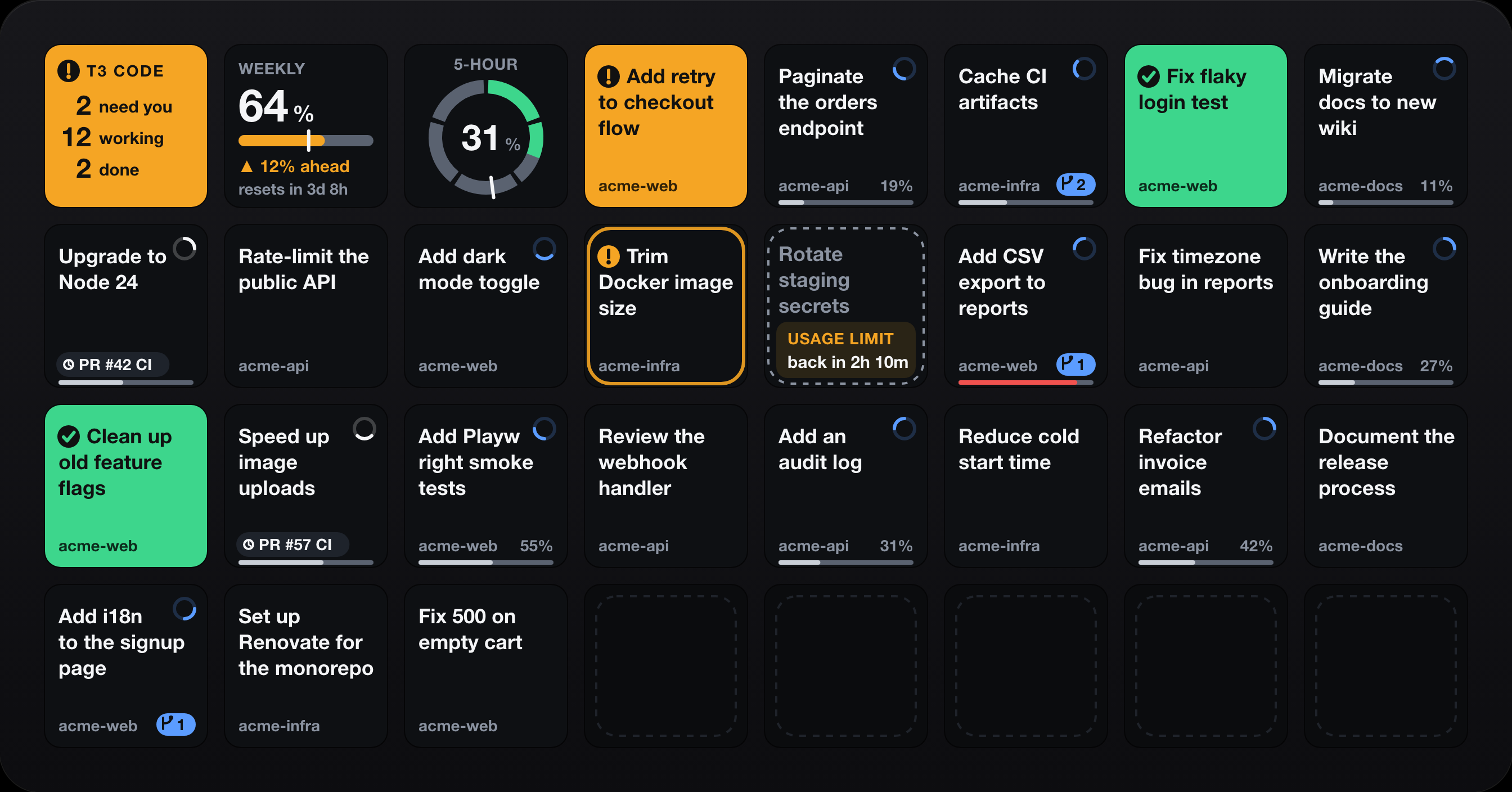
The Overview key counts threads that need you, are working, or are done. The whole tile blinks when something's stuck, and a tap opens a full page of threads.
Subagents don't take keys. They fold into their main thread, and a waiting subagent still makes that key flash.
Tap a key to open the thread in T3 Code. Hold it for half a second and let go to get a page just for that thread: quick messages, compact, snooze, settle, stop.
What the keys mean
Every state that needs you carries a glyph as well as a colour, and only those blink. Everything else stays calm.
Amber, blinking, with a !. The agent (or one of its subagents) is waiting on you: an approval, a question, a secret or a link.
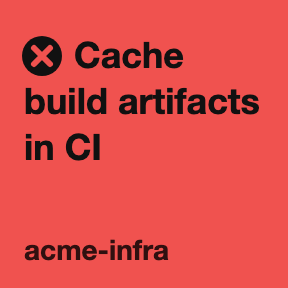
Red, blinking, with a ✕. The latest run failed and you haven't opened the thread yet.
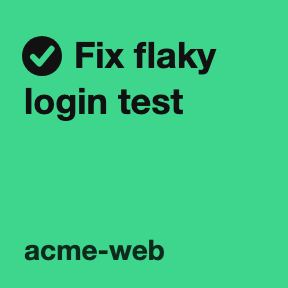
Solid green, with a ✓. A run finished while the plugin was watching and you haven't opened the thread. It never blinks.
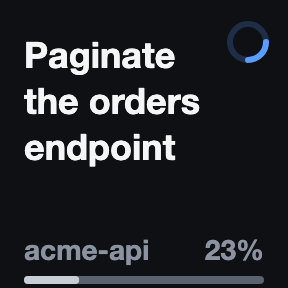
Blue spinner in the corner. The agent, or one of its subagents, is running.
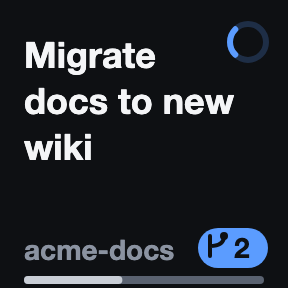
The badge counts the subagents (and background tasks) working inside that thread. They never take a key of their own.
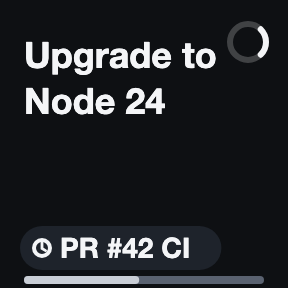
White spinner. The turn ended, but background work is still running: subagents, commands, monitors, or a pull request's CI. The chip says what.
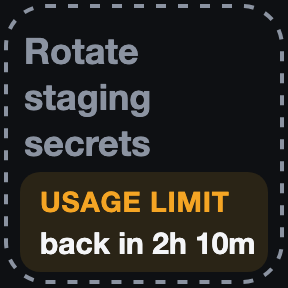
Dashed and dim. A usage limit paused the thread, and the key counts down to when it resumes.
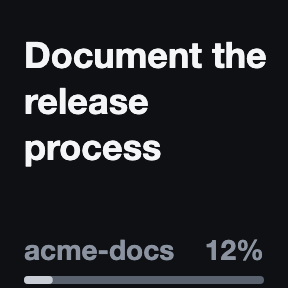
Nothing happening. Shown for as long as you pick in settings (8 hours by default), then it leaves the deck.
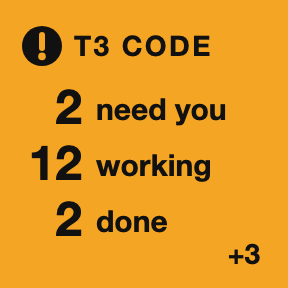
Counts what needs you, what's working and what's done. +N is threads that don't fit on this deck's Thread keys. The tile takes the colour of the most urgent state. Tap it for the T3 Threads page; hold it to clear every done and failed highlight.
Top-left of the T3 Threads page. Tap to return to your previous profile. The chevron turns amber while something needs you, and it says +N more when threads don't fit.
A thin bar along the bottom shows how full the thread's context window is: grey, amber from 70%, red from 85%. Done and failed highlights clear when you open the thread, from the key or from T3 Code itself; having it open while the run finishes doesn't count. If T3 Code isn't reachable, the first Thread key says why (Install T3 Code, Open T3 Code, T3 CLI missing, Sign-in failed, Signed out or T3 error) and the rest go blank rather than show stale state.
Thread Actions page
Hold a thread key for half a second until it says "Release for actions", then let go. You get a page just for that thread: Back, the thread and Open at the top-left, your quick messages, and the risky stuff on the bottom row, apart from the rest. Stop sits alone in the corner, solid red.
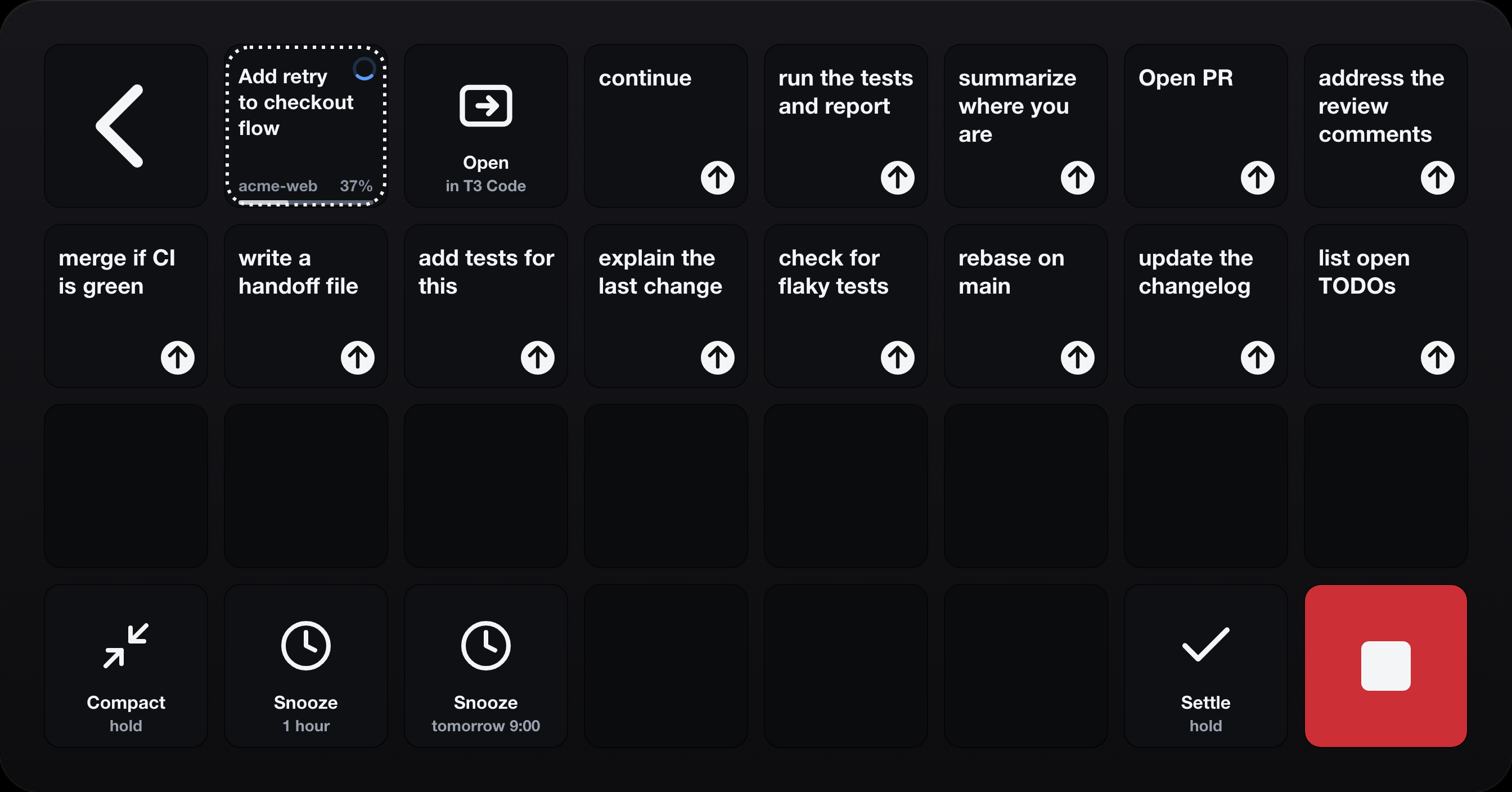
Your own lines, like "continue" or "run the tests and report": up to 21 on a Stream Deck XL. Hold one and it's sent as if you'd typed it in T3 Code. Write Label | full text for a short label on the key.
Snooze the thread for an hour or until 9:00 tomorrow with a tap. A snoozed thread leaves your keys, so you land back on the T3 Threads page. Compact sends /compact.
Compact, Settle, Stop and quick messages fire after a 0.8-second hold. A tap only shows a hint ("Hold to confirm") and a progress bar fills while you hold.
Thread Actions send commands to T3 Code, so they're off until you turn on Enable thread actions, and they use a separate token that's only minted while that's on. More on tokens.
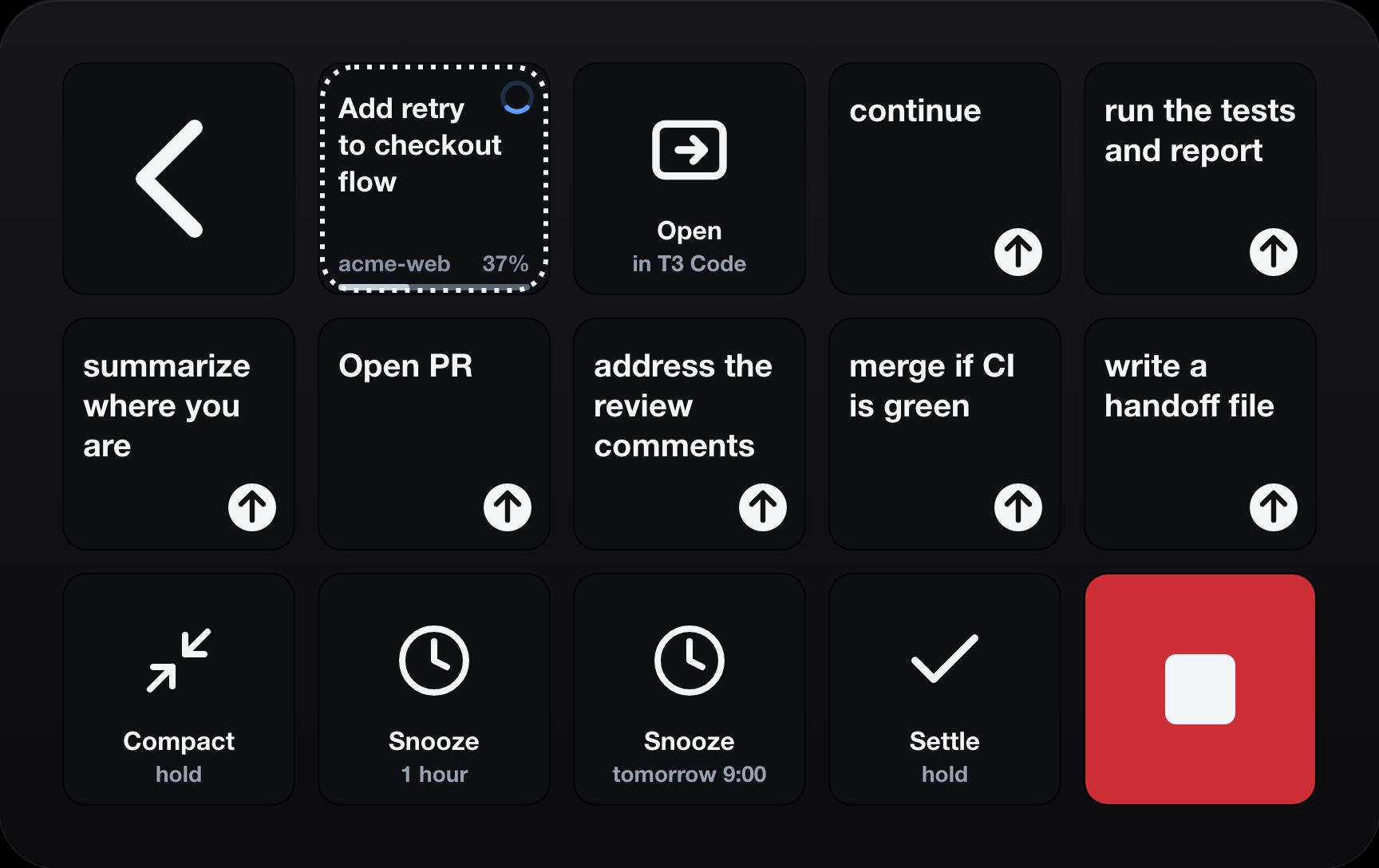
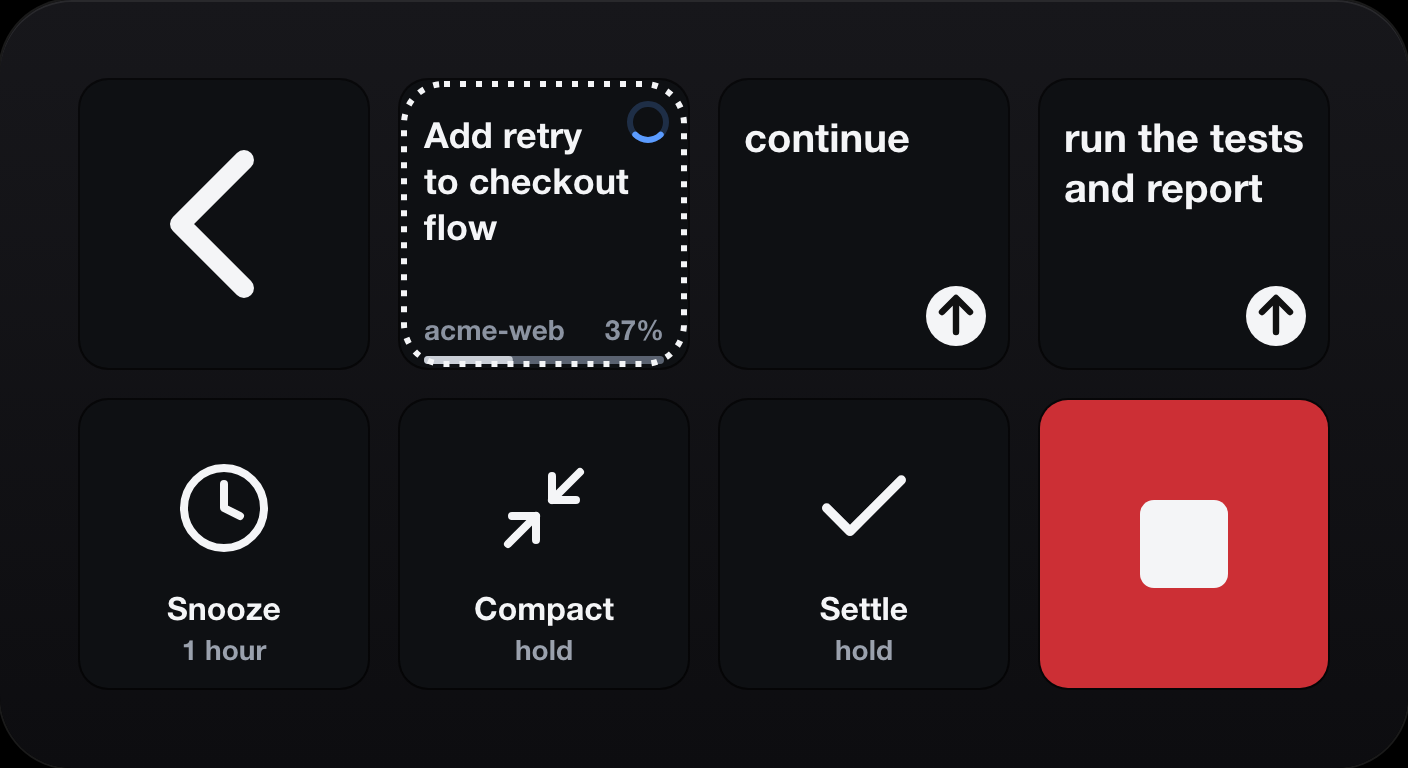
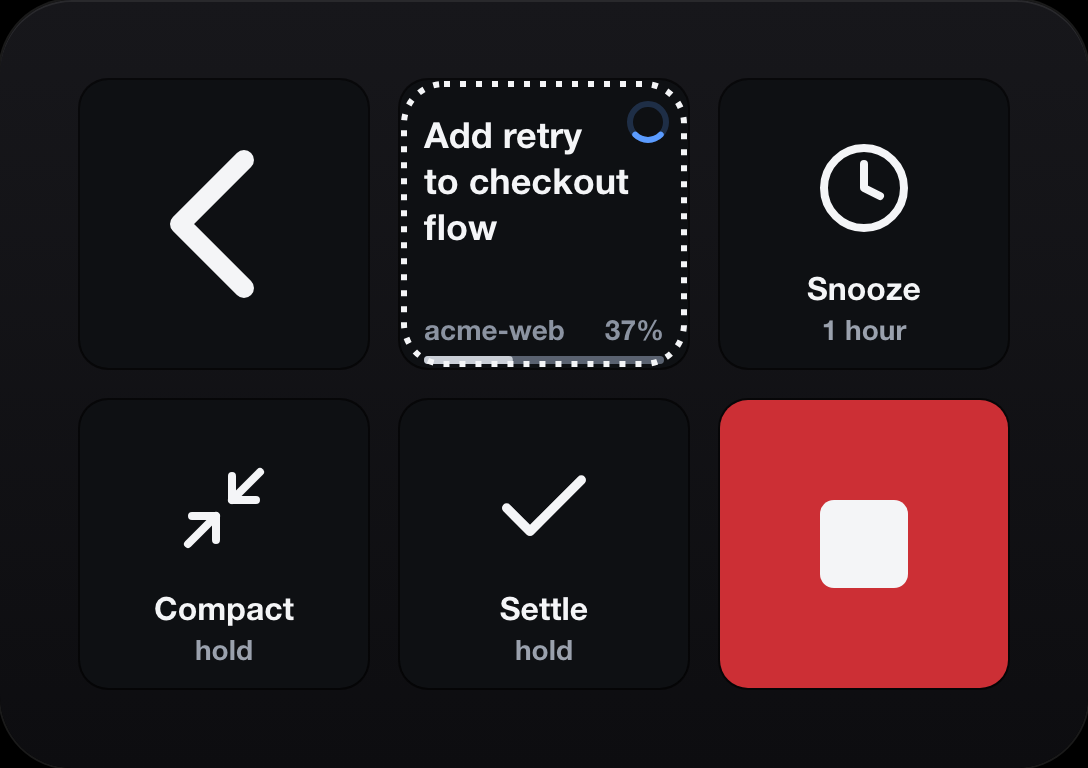
The same page is bundled for the 15-key Stream Deck (including MK.2), the Neo and the Mini, trimmed to fit. Other models, such as the Stream Deck +, have no bundled pages: Thread, Overview and Usage keys still work, Overview jumps to the most urgent thread, and a long press on a Thread key clears its highlight.
Usage tile
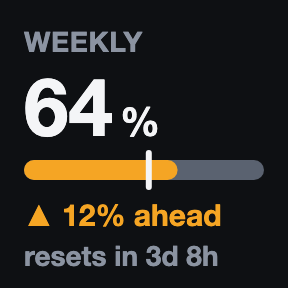
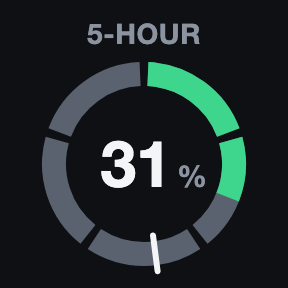
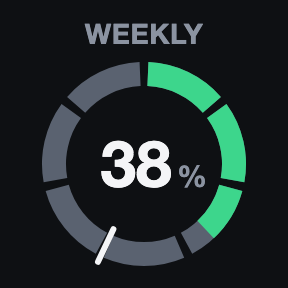
Pick any usage limit T3 Code reports: weekly, per model, 5-hour. The tile shows percent used and a white tick at even pace, the share of the window that has passed.
How it works
No cloud, no account, no telemetry. The plugin keeps a live stream open to the T3 Code app on your machine, reads the thread list when something changes (and every 30 seconds to be sure), and draws the keys. That's all.
Running on your Mac
Up to three local tokens
Status on every key
Lists your threads so the keys can show them.
orchestration:readRead-only. Lasts 30 days and is renewed once less than half is left.
Live status, context size, and usage limits.
orchestration:readRead-only. Lasts 30 days and is renewed once less than half is left.
Only for the Thread Actions keys: send, snooze, settle, stop.
orchestration:readorchestration:operateOff by default. Minted only while you've enabled thread actions, and revoked when you turn them off. Lasts 24 hours.
Opt-int3 CLI and stored in ~/Library/Application Support/io.github.hsalazr.deck-for-t3code/, readable only by you. In t3 auth session list they're labelled Stream Deck (Deck for T3 Code…).t3 auth session revoke <id>. A revoke that can't happen right away is retried every time the plugin starts.127.0.0.1, localhost or ::1. The t3 CLI only runs if it's a regular file you (or root) own and nobody else can write to. Logs are scrubbed of anything that looks like a token.Install
A Mac on macOS 13 or later, the Stream Deck app 7.1 or later, and T3 Code installed and running.
Get it from the Stream Deck Marketplace (link coming soon), or grab the .streamDeckPlugin file from GitHub Releases and double-click it.
Find Deck for T3 Code in the actions list. Add an Overview key, a few Thread keys, and a Usage key if you like. Threads fill the Thread keys in reading order.
There's nothing to pair. On first run the plugin asks your local t3 CLI for its own read-only tokens. To use Thread Actions, tick Enable thread actions in any key's settings.
Free to fork. You'll need Node 24.
git clone https://github.com/hsalazr/deck-for-t3code.git
cd deck-for-t3code
npm ci
npm run build
npx streamdeck link *.sdPluginFAQ
Not yet. It's macOS only (13 or later). T3 Code and the plugin have to run on the same Mac.
Yes. This plugin is a window onto T3 Code. It does nothing without it, so install it and keep it running. The plugin isn't made by T3 and isn't a replacement for the app.
Any Stream Deck with keys shows Thread, Overview and Usage keys. The full-deck T3 Threads page and the Thread Actions page are bundled for the Stream Deck XL, the 15-key Stream Deck (including MK.2), the Neo and the Mini; the Thread Actions page has room for 21, 7, 2 and 0 quick messages on those. Other models, such as the Stream Deck +, have no bundled pages: Overview jumps to the most urgent thread, and a long press on a Thread key clears its highlight. The dials and touch strip aren't used.
It reads thread titles, project names, run status, the names of background tasks (like "PR #42 CI"), context size, and usage limits from T3 Code, to draw the keys. It keeps them in memory only. Nothing leaves your Mac. There's no server, no account, and no telemetry. The only network traffic is to T3 Code on your own machine, and the plugin refuses to send a token anywhere else.
Only if you turn on Enable thread actions and use the Thread Actions page. Until then, every token is read-only. Actions use a separate token that's minted on first use, lasts 24 hours, and is revoked when you turn the setting off. Compact, Settle, Stop and quick messages also need a 0.8-second hold, so a stray tap does nothing.
Press Sign out / revoke tokens in the plugin's settings (click twice to confirm), or run t3 auth session list and t3 auth session revoke <id>. Do this before you uninstall: removing the plugin from Stream Deck doesn't revoke its tokens, which otherwise stay valid until they expire.
A live stream from T3 Code pushes changes, so keys update within a moment. The thread list is re-read when something changes (no more often than your "Refresh every" setting, 2 seconds by default) and reconciled every 30 seconds. Usage limits are checked every 5 minutes, and only while a Usage key is on your deck. Context size is read only for threads that are on a key: when they first appear, when a run ends, and at most every 2 minutes while one works.
The plugin couldn't get a token. Check that T3 Code is running, that ~/.t3/bin/t3 exists, is yours, and isn't writable by others (chmod go-w fixes that), and that you haven't signed out in the plugin's settings (the key says Signed out; press Sign in again). If your T3 data lives elsewhere, set T3 home to its absolute path.
No. Not affiliated with or endorsed by T3 Tools Inc. T3 Code is a trademark of its respective owner. This is an independent, community project, and it doesn't use T3's logo or artwork. The key pictures on this page are drawn by the plugin itself, with made-up example data.
Fork away. It's GPL-3.0-or-later, so you get the same freedoms back. Free to use and fork. Please don't sell it as a product. That's a request, not a licence term.
Support
If it saves you a few context switches, a small tip keeps it maintained. Bug reports and stars help just as much.
Found a bug or want a feature? Open an issue.